
Local capture
agent hooks 會在工作時收集 prompt、response、touched files 和 attribution signal。
先理解幾個組成部分,Agent Note 會更容易導入:local hooks 收集 context,git notes 把 context 綁到 commit,GitHub Action 再產生 PR Report。
這一頁是路線圖。安裝指令放在下一頁,讓你先確認自己將啟用什麼。
Local capture
agent hooks 會在工作時收集 prompt、response、touched files 和 attribution signal。
Git-native history
每個 commit 都會得到 refs/notes/agentnote 下的 git note,不會改動 branch 內容。
Pull Request context
GitHub Action 讀取 notes,並為 reviewer 寫入 PR Report。
Optional Dashboard
如果團隊需要共享畫面,Dashboard 可以發布到 GitHub Pages。
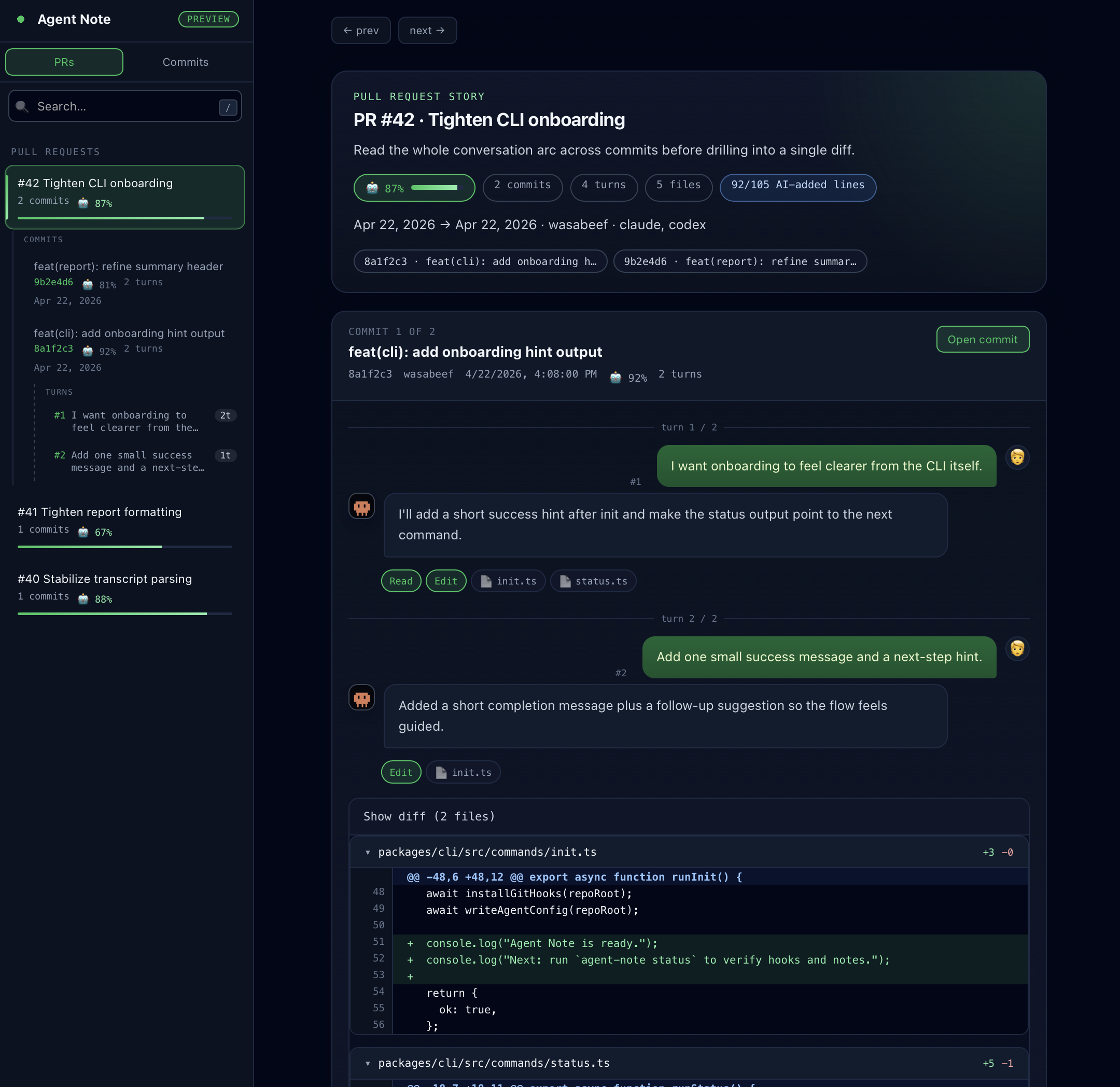
npx agent-note init。| 需求 | 頁面 |
|---|---|
| 現在安裝 Agent Note | 安裝 |
| 設定 PR Report | GitHub Action |
| 發布共享視圖 | Dashboard |
| 查看各 agent 的能力邊界 | Agent Support |
| 了解保存的資料 | Data & Privacy |
| 排查缺失資料 | Troubleshooting |