
Local capture
agent hooks 会在工作时收集 prompt、response、touched files 和 attribution signal。
先理解几个组成部分,Agent Note 会更容易上手:local hooks 收集 context,git notes 把 context 绑定到 commit,GitHub Action 再生成 PR Report。
这一页是路线图。安装命令放在下一页,方便你先确认自己将要启用什么。
Local capture
agent hooks 会在工作时收集 prompt、response、touched files 和 attribution signal。
Git-native history
每个 commit 会得到 refs/notes/agentnote 下的 git note,不会改动 branch 内容。
Pull Request context
GitHub Action 读取 notes,并为 reviewer 写入 PR Report。
Optional Dashboard
如果团队需要共享视图,Dashboard 可以发布到 GitHub Pages。
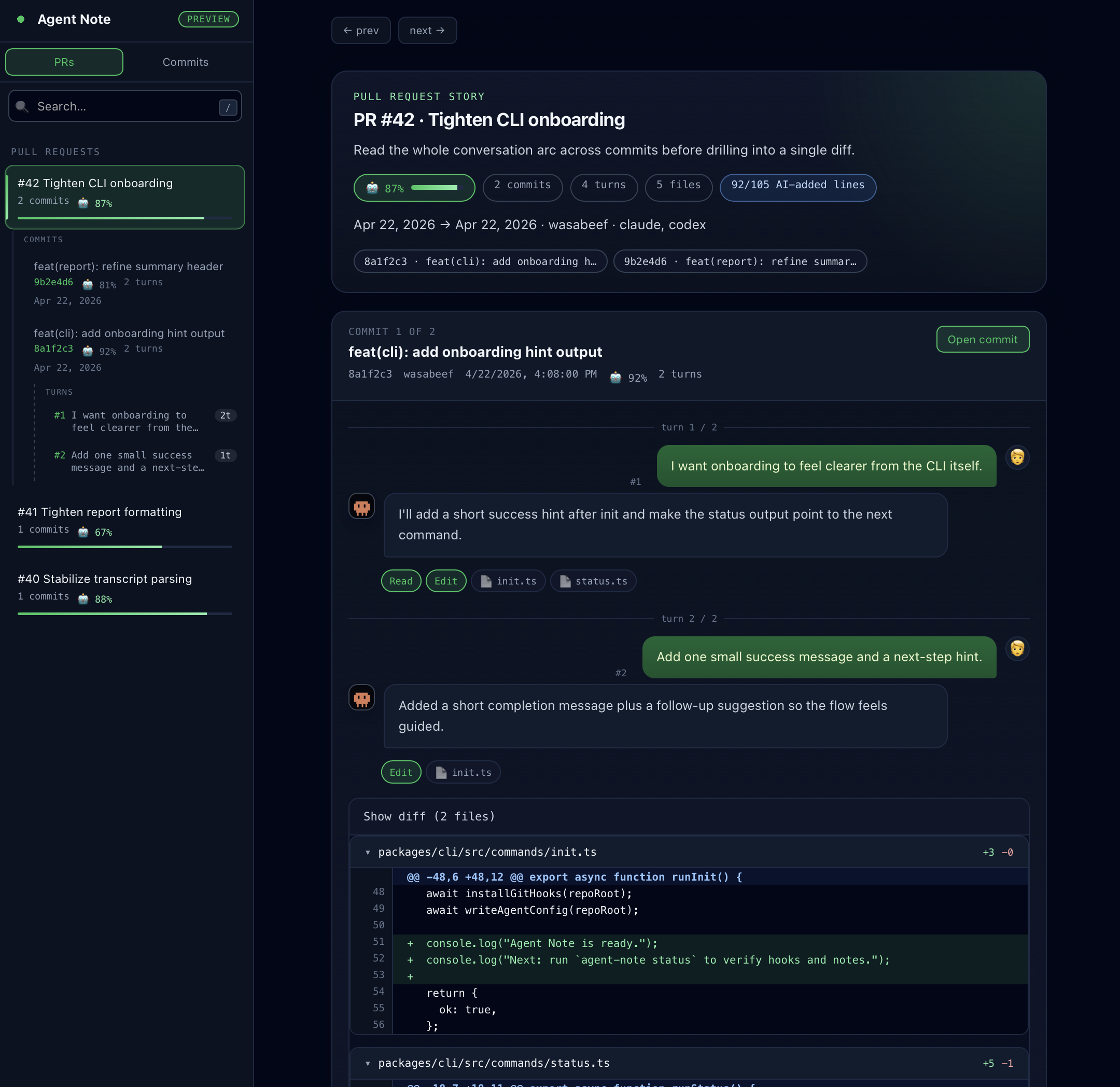
npx agent-note init。| 需求 | 页面 |
|---|---|
| 现在安装 Agent Note | 安装 |
| 配置 PR Report | GitHub Action |
| 发布共享视图 | Dashboard |
| 查看各 agent 的能力边界 | Agent Support |
| 了解保存的数据 | Data & Privacy |
| 排查缺失数据 | Troubleshooting |