
Local capture
Agent hooks collect prompts, responses, file edits, and attribution clues while you work.
Agent Note is for teams that want the story behind AI-assisted commits to survive code review. It records the prompts, responses, touched files, model, and attribution signals that explain why a commit changed.
Use this page as the map. It explains the path from a fresh repository to the first PR Report without forcing you through every option up front.
Local capture
Agent hooks collect prompts, responses, file edits, and attribution clues while you work.
Git-native history
Each commit gets a git note under refs/notes/agentnote, so your branch stays clean.
Pull Request context
The GitHub Action turns those notes into a PR Report for reviewers.
Optional Dashboard
Teams that want one shared history page can publish Dashboard on GitHub Pages.
Install Agent Note in the repository.
Go to Installation when you are ready to run npx agent-note init.
Commit the generated agent config and workflow files.
Those files make the setup repeatable for the team, while local git hooks are installed per clone.
Open a Pull Request.
The generated GitHub Action reads refs/notes/agentnote and writes the PR Report.
Add Dashboard only if your team wants a shared Pages view.
PR Report is enough for many teams. Dashboard is useful when you want to browse open and merged PR history outside a single PR.
| Need | Read |
|---|---|
| Install Agent Note now | Installation |
| Configure the Pull Request report | GitHub Action |
| Publish a shared team view | Dashboard |
| Check each agent’s capture limits | Agent Support |
| Understand stored data and visibility | Data & Privacy |
| Fix missing notes or prompts | Troubleshooting |
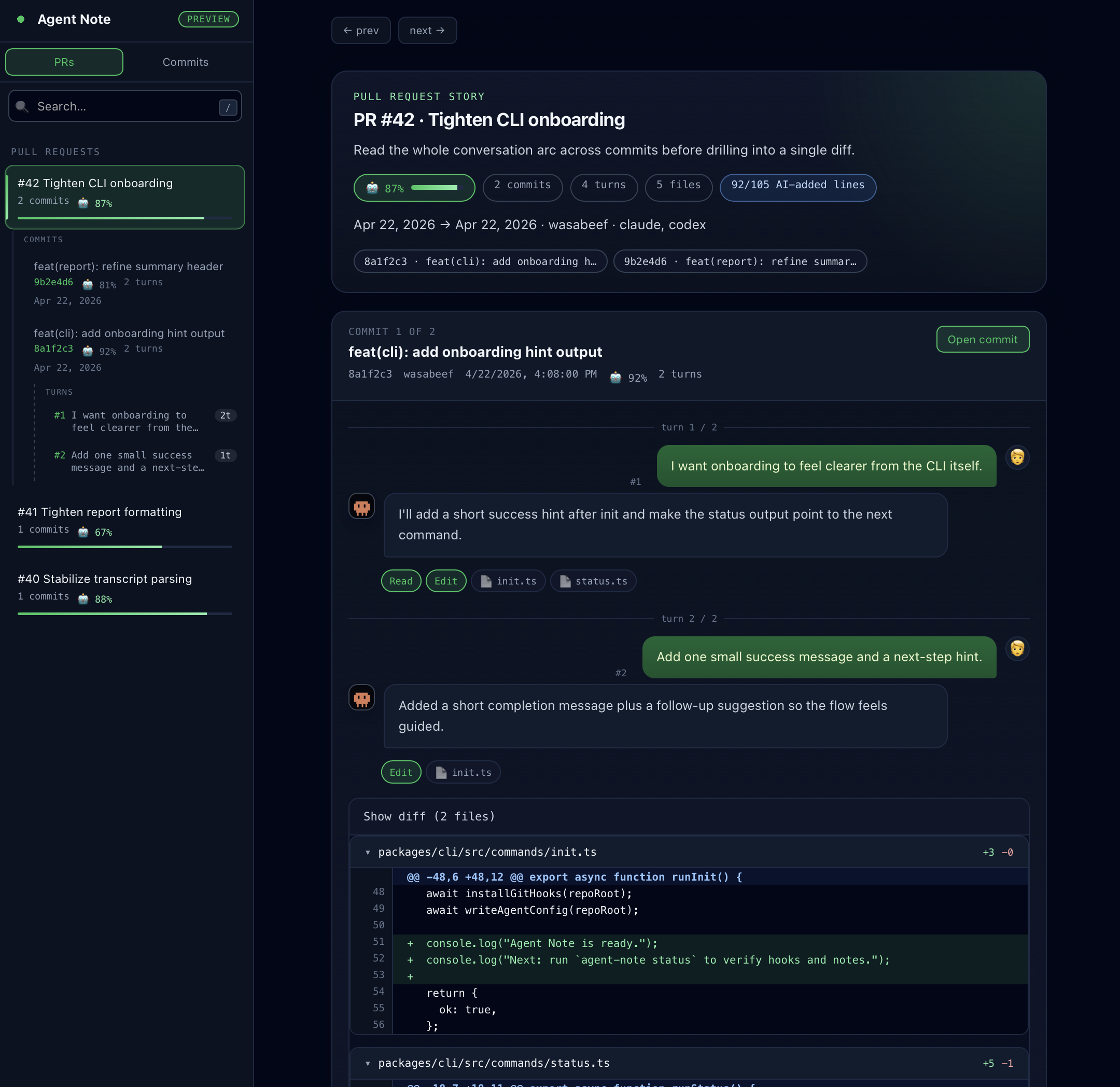
After setup, a normal git commit and git push should be enough. Your Pull Request gets an Agent Note section with AI Ratio, model, commit table, and the prompts that explain each commit.
If you prefer to see the raw commit data first, run:
npx agent-note statusnpx agent-note show